AI image editor: change a picture by describing the edit
Start from your own image instead of a blank canvas. Upload it, write the change in plain words, and the edit model returns a new version.
Open the studioImage-to-image models keep the structure of the picture you upload and change what you ask for: swap a background, relight a product, restyle a scene, or remove a distracting object. Visuatelier offers three edit models: FLUX Kontext Pro, Seedream 4.5 Edit and GPT Image 2 Edit. Some of them accept several reference images in one request.
Your original stays in your library, so you can try the same instruction with another model and compare.
How it works
- 1
Upload the image you want to change (and extra references if the model accepts them).
- 2
Describe the edit, for example “replace the background with warm limestone, keep the bottle unchanged”.
- 3
Generate, compare versions and keep the one that works.
What you can make
New backgrounds for product photos
Place the same product in a studio, a kitchen or outdoors.
Relighting and colour grading
Golden hour, soft studio light or a night scene from one shot.
Style transfer
Turn a photo into an illustration, a painting or a 3D render.
Small fixes
Remove a stray object or change a colour without retouching by hand.
Examples from our showcase
Showcase images were generated by Visuatelier. The prompt and the model used are shown under each one.
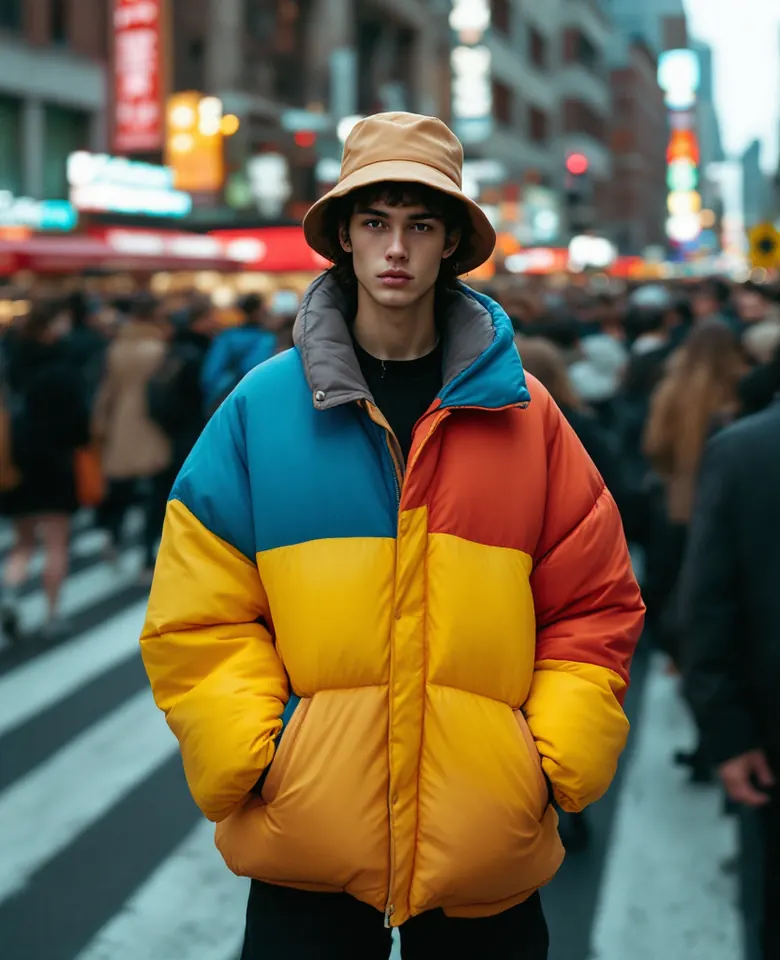
Tokyo street · Made with FLUX Pro 1.1Prompt: Streetwear fashion shoot, a fictional young man in an oversized color-block puffer jacket and bucket hat posing in a crowded crosswalk, motion blur crowd, vivid colors, 35mm editorial

Citrus splash · Made with Seedream 4.5Prompt: Luxury product photography of a frosted glass perfume bottle exploding out of a splash of orange juice and citrus slices, frozen motion, bright orange gradient background, crisp studio lighting, no text, no logo
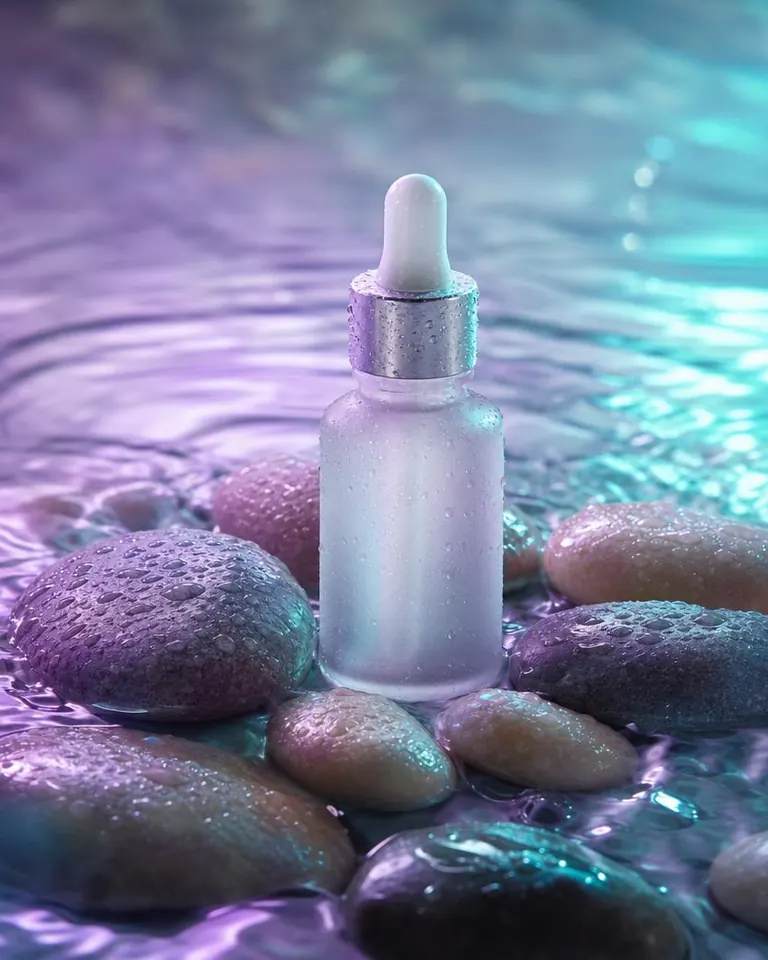
Dewy drops · Made with GPT Image 2Prompt: Minimal skincare serum dropper bottle resting on wet pebbles with water ripples, lilac and aqua lighting, macro detail of droplets, premium beauty advertising photo, unbranded, no text
Models for this tool
- FLUX Kontext Pro · 2 credits
FLUX Kontext edits a photo you upload from a short written instruction while keeping the rest intact.
- Seedream 4.5 Edit · 2 credits
Seedream 4.5 Edit reworks an uploaded image from a text instruction at high resolution.
- GPT Image 2 Edit · 3 credits
GPT Image 2 Edit changes an uploaded image from a written instruction and follows it closely.
Frequently asked questions
Which models do image-to-image editing?
FLUX Kontext Pro, Seedream 4.5 Edit and GPT Image 2 Edit. Their prices are listed on each model page.
Do I need to own the image I upload?
Only upload images you have the right to use, and do not use other people's photos to create misleading or harmful content.
Will the edit keep the original exactly?
Edit models aim to keep what you do not mention, but they regenerate the picture, so small details can shift. Name what must stay unchanged in your instruction.
What if the result is blocked or fails?
If the provider fails or our safety check blocks the output, the credits are returned to your balance.