AI image upscaler: larger, sharper images
Upload an image and get a higher-resolution version, ready for print, a large screen or a product page.
Open the studioVisuatelier offers two upscalers. Real-ESRGAN enlarges an image quickly and stays close to the original. Clarity Upscaler goes further: it rebuilds fine texture such as skin, fabric or foliage, which suits AI-generated images and soft photos, but it can also invent small details.
Upscaling works well as a last step: generate or edit at normal size, keep the best result, then upscale only that one.
How it works
- 1
Upload an image or choose one from your library.
- 2
Pick Clarity Upscaler or Real-ESRGAN.
- 3
Generate and download the enlarged file.
What you can make
Print-ready AI art
Bring a generated image up to a size suitable for posters.
Product pages
Sharper zoom images for e-commerce.
Old or small photos
Enlarge low-resolution pictures with less blur.
Hero banners
Wide website headers that stay crisp on large screens.
Examples from our showcase
Showcase images were generated by Visuatelier. The prompt and the model used are shown under each one.
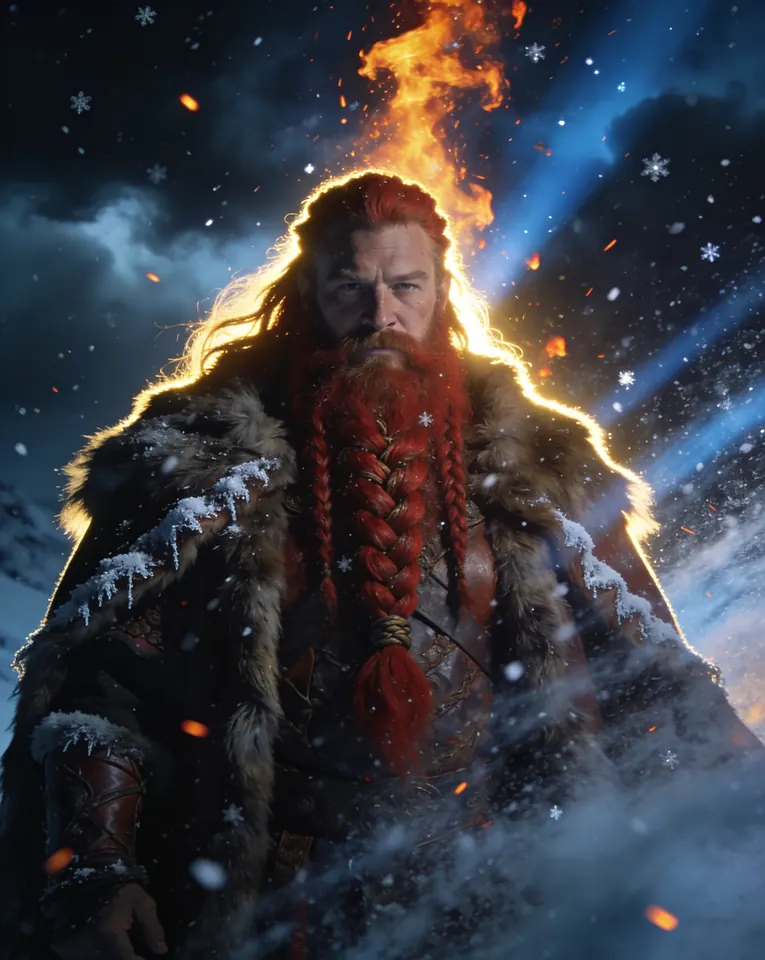
Northern warrior · Made with Seedream 4.5Prompt: Cinematic portrait of a fictional red-bearded Norse warrior with braided hair and fur cloak in a snowstorm, embers flying, dramatic rim light, ultra detailed film still
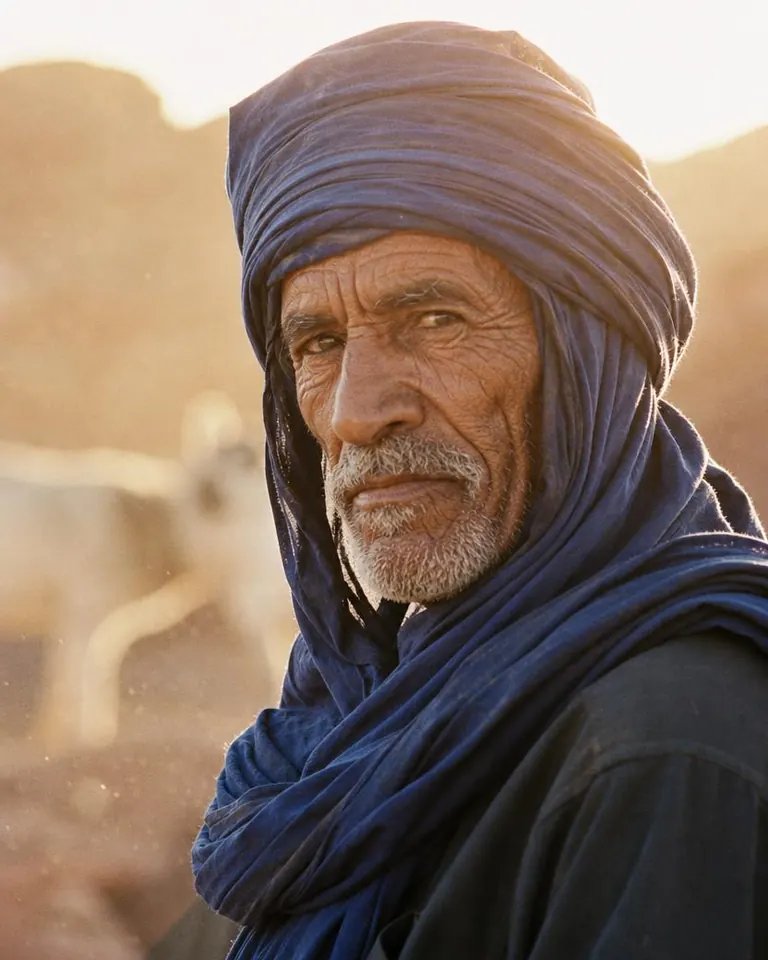
Desert wanderer · Made with GPT Image 2Prompt: Editorial portrait of a fictional elderly desert nomad with deep weathered skin and an indigo headscarf, golden hour light, dust particles glowing in the air, Kodak Portra film look, intense eyes
Models for this tool
- Clarity Upscaler · 6 credits
Clarity Upscaler enlarges an image and adds believable detail.
- Real-ESRGAN Upscaler · 1 credits
Real-ESRGAN is a fast, low-cost upscaler that stays faithful to the source.
Frequently asked questions
What is the difference between the two upscalers?
Real-ESRGAN is faithful and fast. Clarity Upscaler adds generated detail for a crisper look, which can slightly alter fine features.
Do I need a prompt?
No. Upscaling only needs the input image.
How much does upscaling cost?
A fixed number of credits per image, shown on each model page and in the studio.