Remove the background from any image
Upload a photo and get the subject cut out on a transparent background, ready to place on a new layout.
Open the studioBackground removal in Visuatelier uses Bria's background removal model. It separates the main subject from its surroundings and returns an image with transparency, so you can drop the product, person or object onto a new background.
Combine it with the other tools: cut out a product, then use an image-to-image model to place it in a new scene.
How it works
- 1
Upload the image.
- 2
Run background removal; no prompt needed.
- 3
Download the cut-out.
What you can make
E-commerce product photos
Clean, consistent images for a shop or marketplace.
Marketing layouts
Place subjects on brand colours or new scenes.
Stickers and social graphics
Quick cut-outs for collages and posts.
Presentations
Objects and portraits without a busy backdrop.
Examples from our showcase
Showcase images were generated by Visuatelier. The prompt and the model used are shown under each one.

Color pop · Made with Nano Banana 2.1 (Google)Prompt: Product shot of sleek coral-colored wireless headphones on a pedestal surrounded by floating pastel geometric shapes, vibrant color-blocking set design, soft shadows, no text, no logo
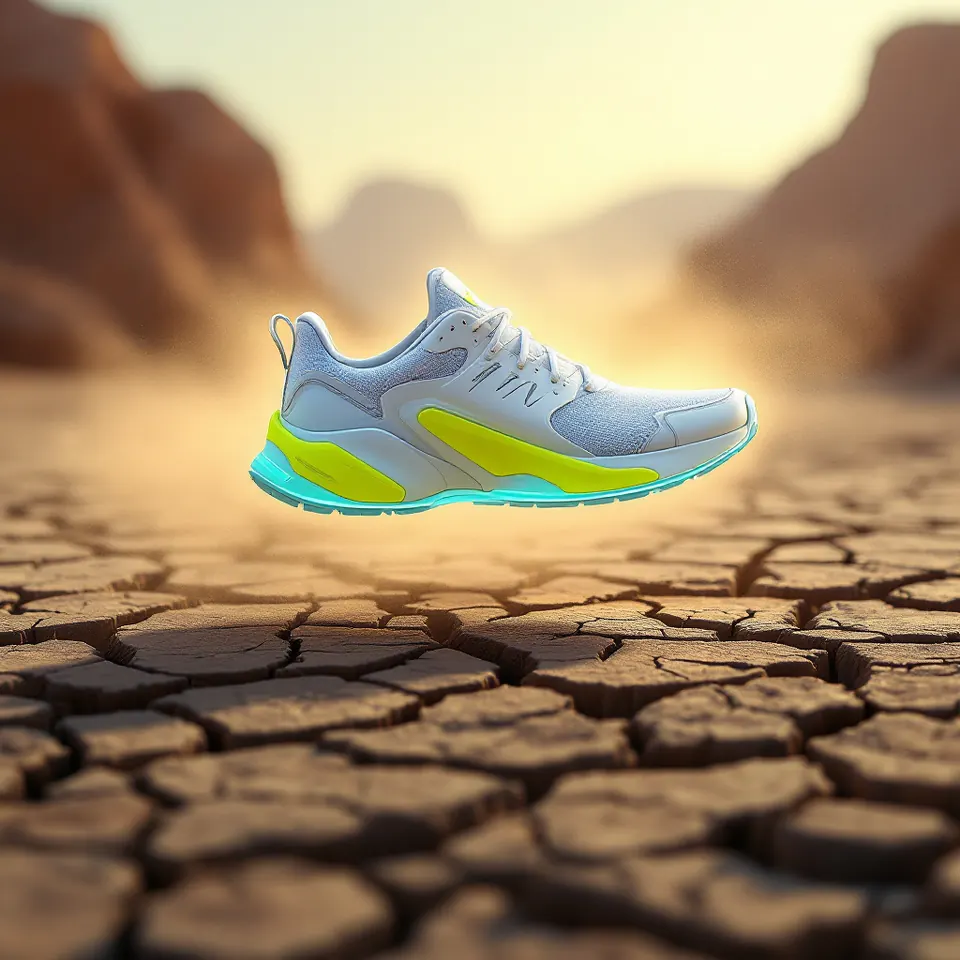
Levitating sneaker · Made with FLUX Pro 1.1Prompt: A futuristic white and electric-lime running sneaker levitating above a cracked desert floor, dramatic rim light, dust burst, commercial advertising photo, no logos, no text
Models for this tool
- Bria Background Removal · 1 credits
Bria removes the background from an uploaded image and returns a transparent PNG.
Frequently asked questions
What do I get back?
An image of the subject with the background removed (transparent).
Does it work on hair and fine edges?
It handles most edges well, but very fine hair or transparent objects such as glass may need a second look.
How much does it cost?
A fixed number of credits per image, shown on the model page and in the studio.