
Transform attitude and demeanor
Keep the same person, clothes and setting. Change only the attitude. Six mood presets on existing image-edit models, with the credit price on the button.
Open the studio

AI-generated examples
Transform attitude and demeanor
Same person, same clothes, same room — a different attitude.
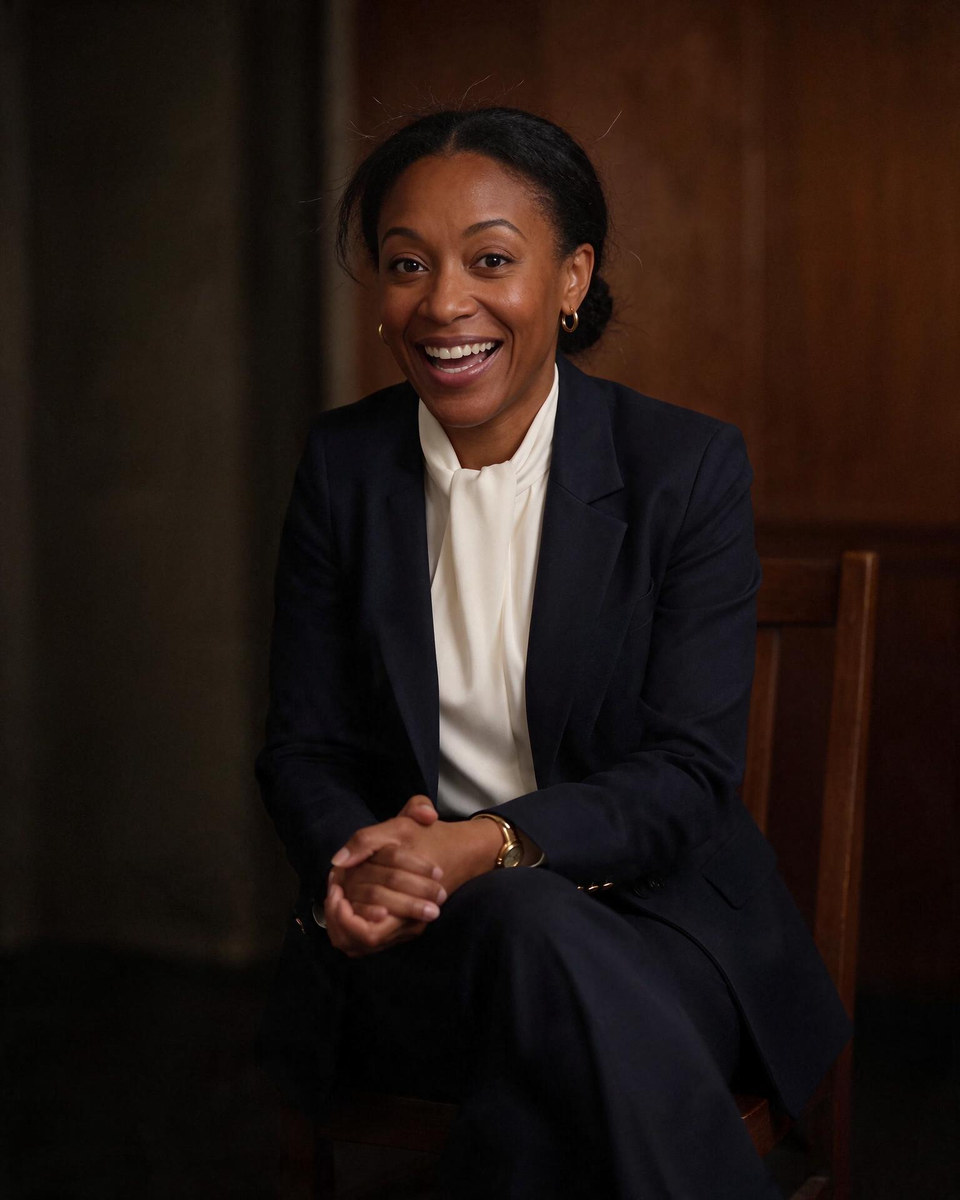
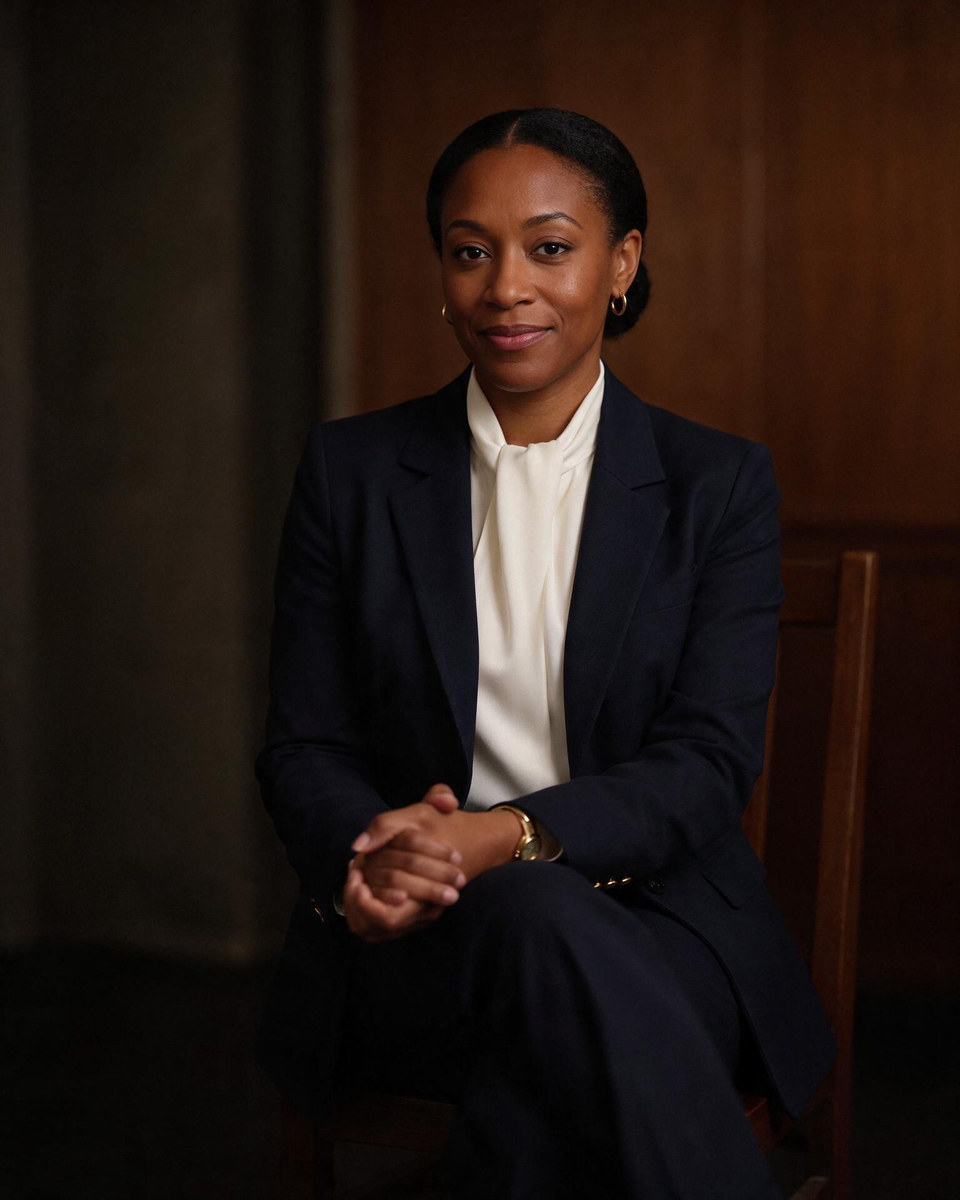
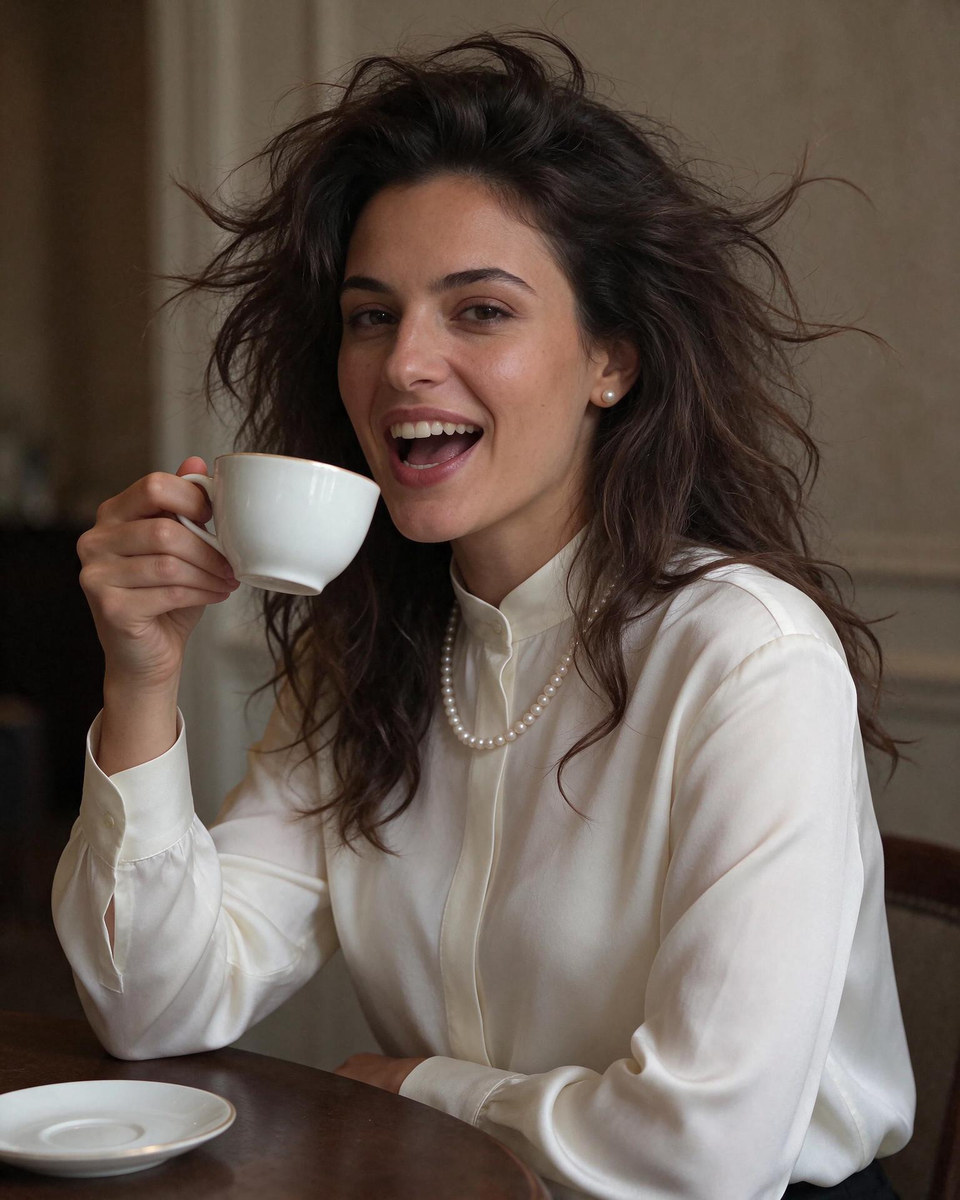
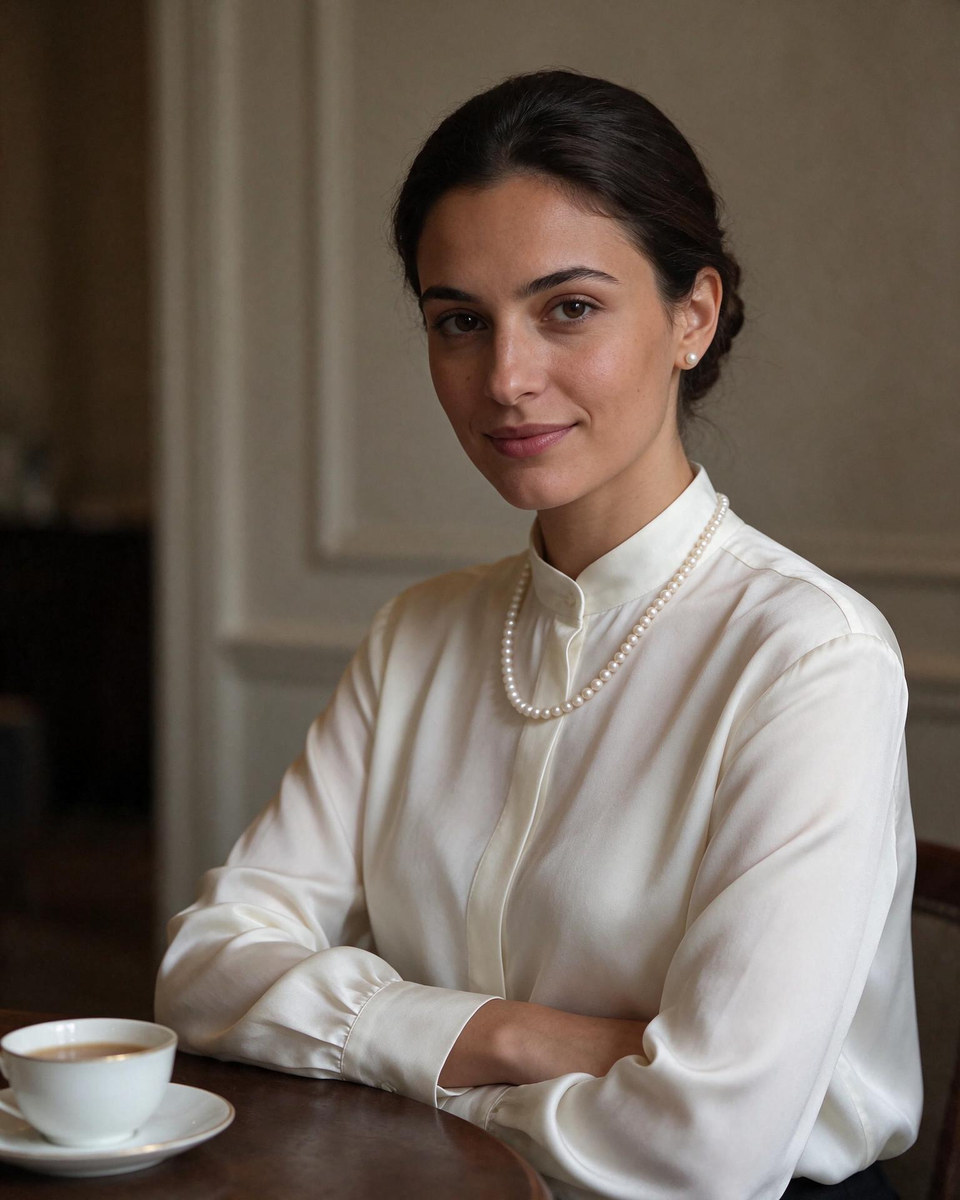
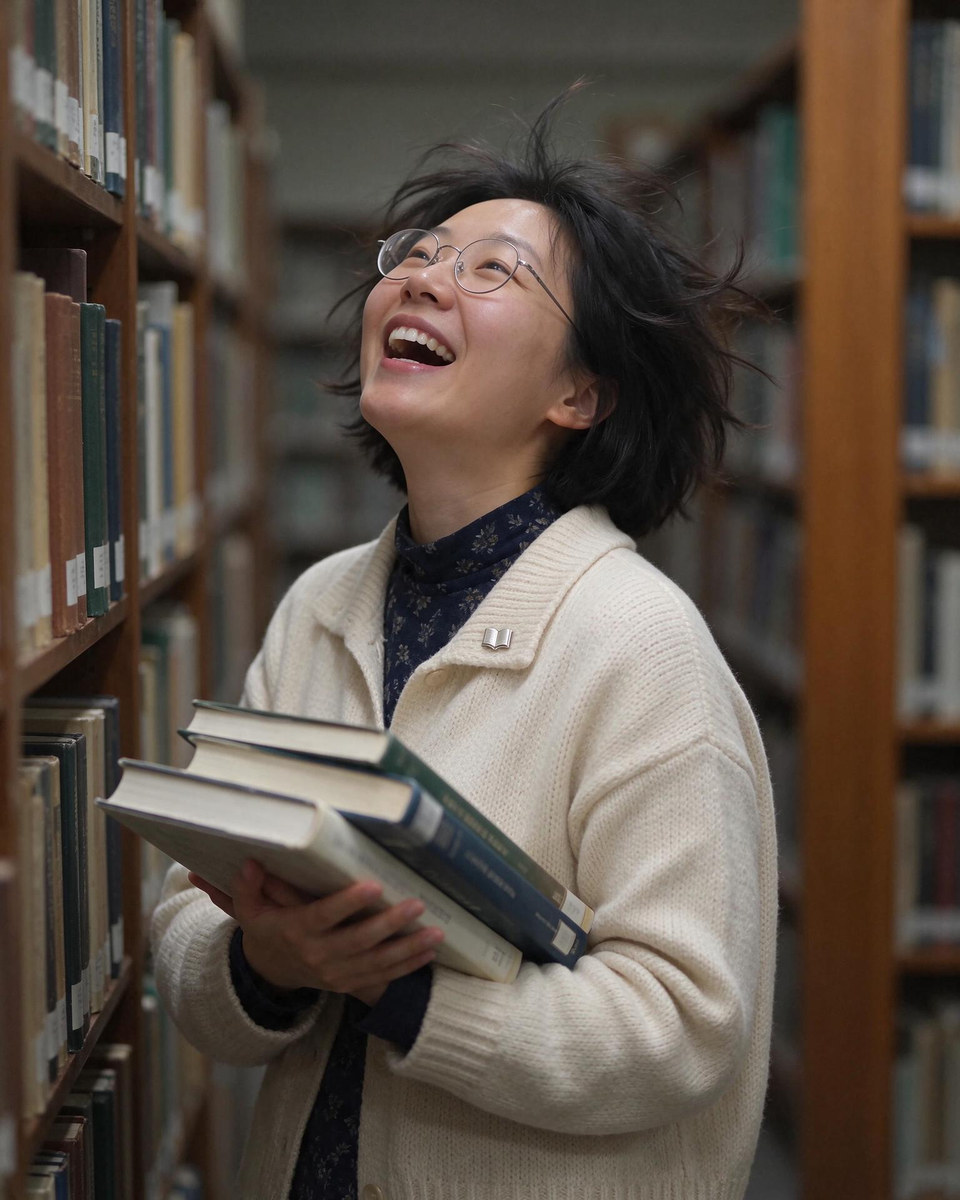
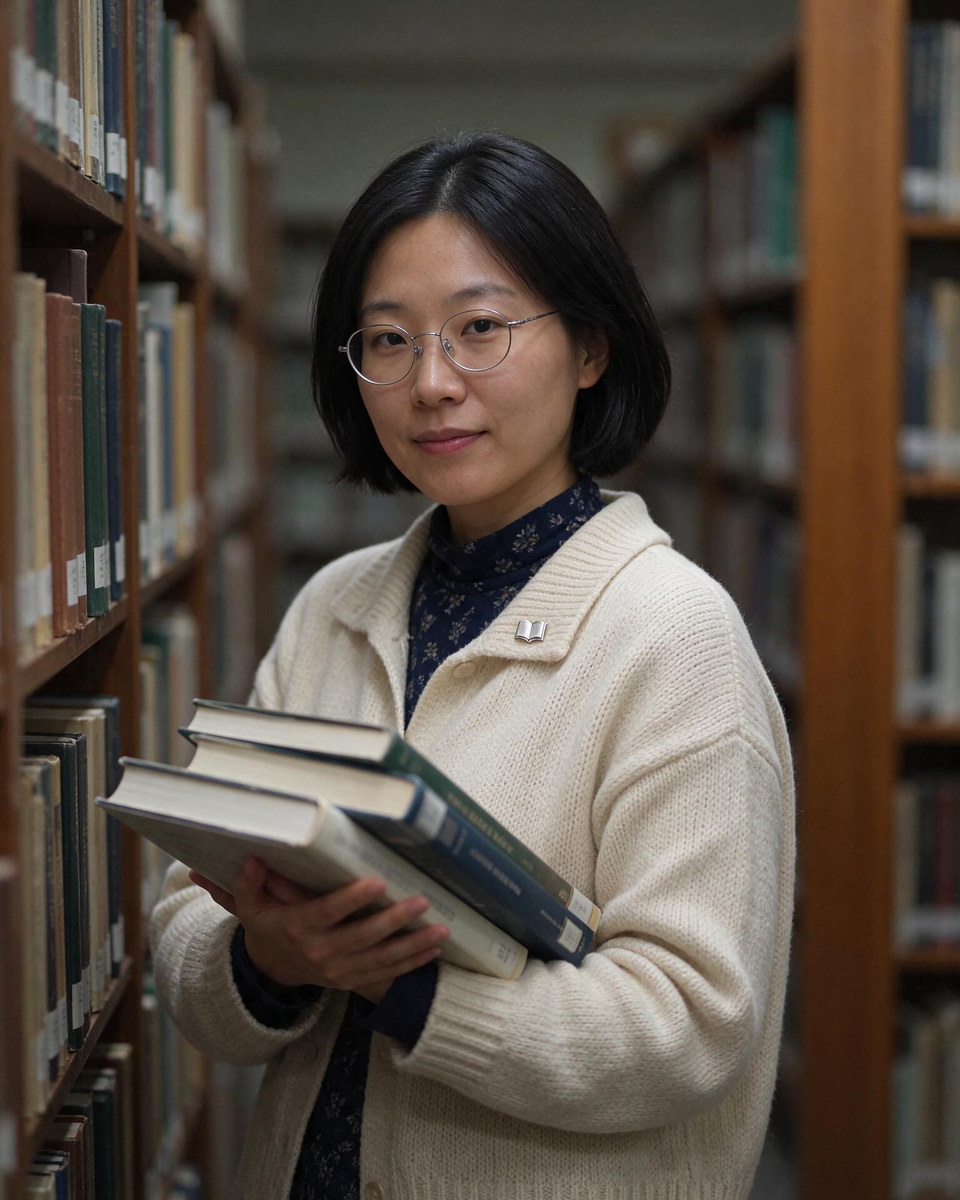


A composed portrait tells one story. The same face, the same clothes, the same room — and a different demeanor — tells another. The Visuatelier attitude changer starts from a photo you upload and runs an existing image-edit model so the identity stays recognisable while the mood shifts.
Six presets cover the core: Unhinged, Rock star, Feral, Joyful chaos, Villain and Zen. Each one asks the model to keep the person, wardrobe and setting, and to stay modest, adult and non-sexual. Seedream 5.5 Edit is the default: 128 credits at 1K or 1.5K, 197 at 2K. You can switch to other edit models at their usual prices. Failed or blocked runs are refunded.
Before you upload, you confirm that you have the right to edit the photo and that anyone shown has consented. The examples on the homepage are fictional, AI-generated adults. Do not use this tool to deceive, harass, or present a made-up scene as a fact.
Seedream 5.5 Edit — Default image-to-image model for the attitude changer, priced from 128 credits.
How it works
- 1
Sign in, tick the consent checkbox, and upload a portrait you have the right to use (JPEG, PNG or WEBP).
- 2
Pick a mood preset. Add a short extra line if a detail must stay (glasses, pearls, a cup).
- 3
Check the credit cost on the button, then generate. The result lands in Media; the original stays so you can try another mood.
What you can make
Campaign portraits
A composed still that needs a burst of energy without a reshoot.
Character boards
The same fictional adult in several attitudes for a pitch.
Social stills
A playful after from a too-proper photo you own.
The inverse
Zen softens a tense face when you need composure back.
Examples from our showcase
Showcase images were generated by Visuatelier. The prompt and the model used are shown under each one.
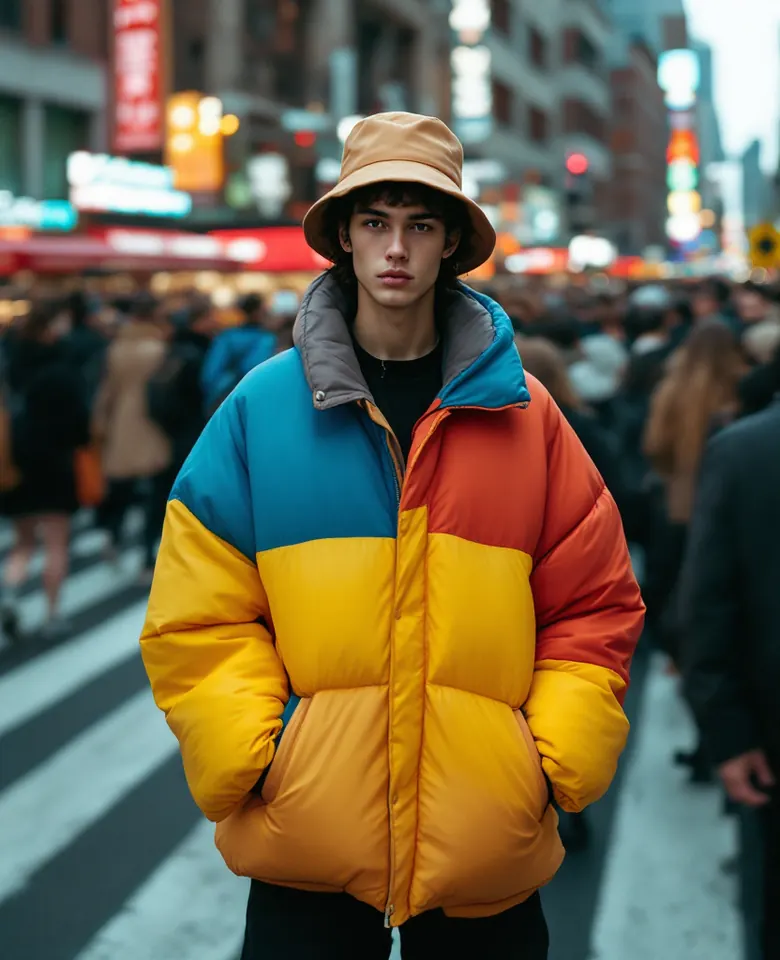
Tokyo street · Made with FLUX Pro 1.1Prompt: Streetwear fashion shoot, a fictional young man in an oversized color-block puffer jacket and bucket hat posing in a crowded crosswalk, motion blur crowd, vivid colors, 35mm editorial
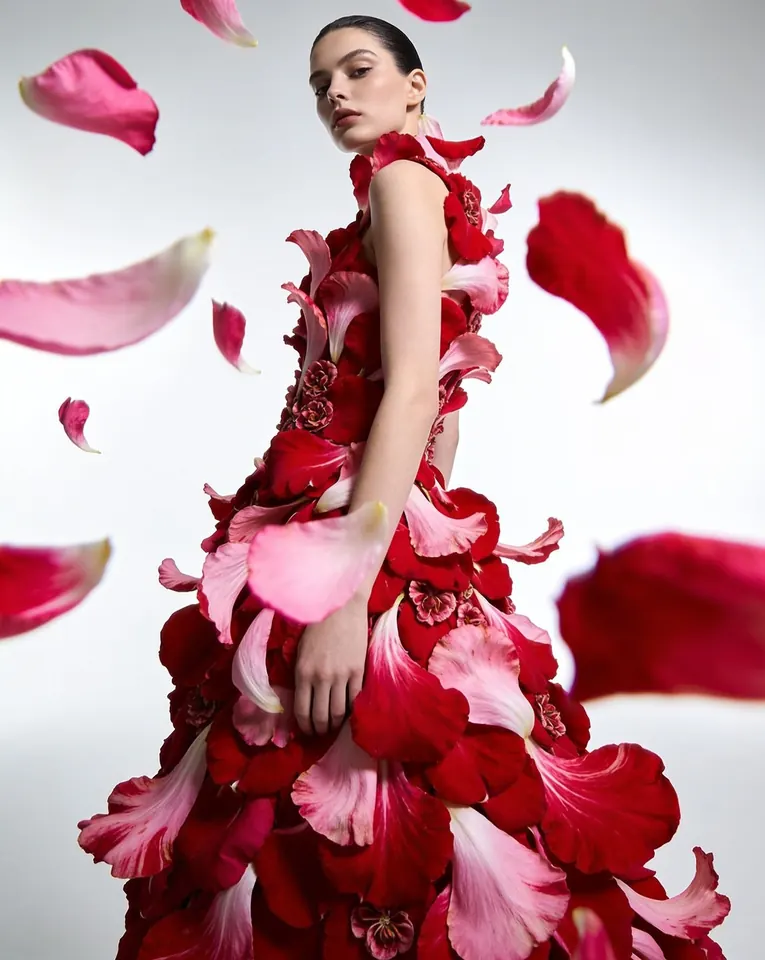
Petal couture · Made with Seedream 4.5Prompt: Couture gown made entirely of fresh red and pink flower petals on a fictional model, standing in a white studio with petals floating, fine art fashion photography
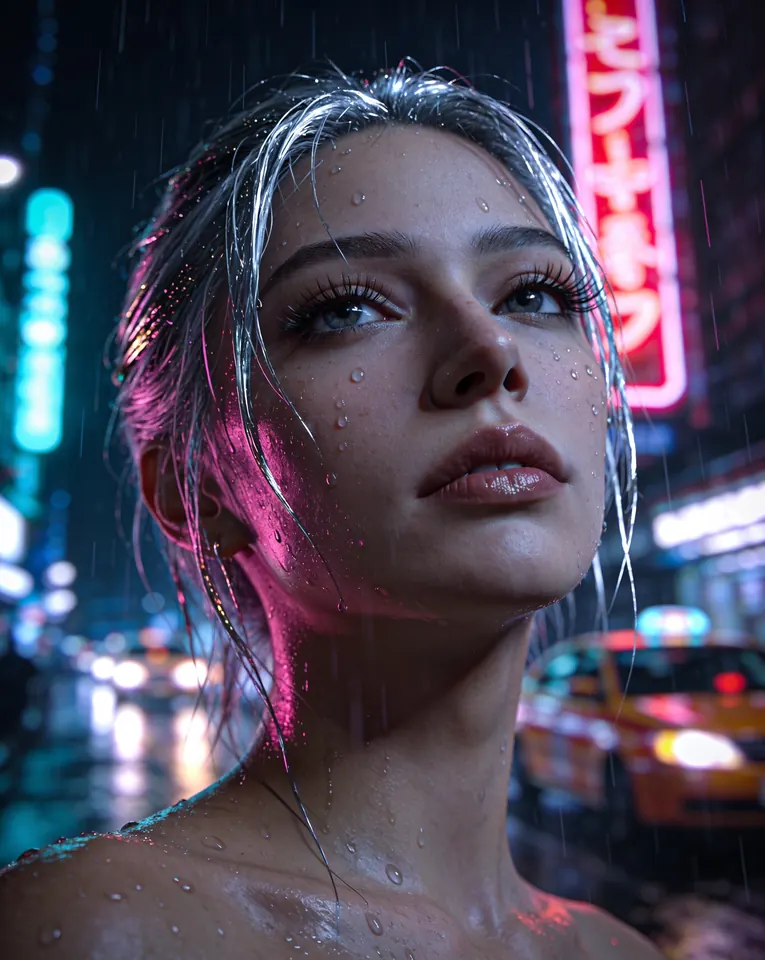
Neon rain · Made with Seedream 4.5Prompt: Cinematic close-up portrait of a fictional young woman with silver-streaked hair standing in Tokyo-style neon rain at night, magenta and cyan reflections on wet skin, shallow depth of field, anamorphic bokeh, 85mm film still, ultra detailed
Models for this tool
- FLUX Kontext Pro · 183 credits
FLUX Kontext edits a photo you upload from a short written instruction while keeping the rest intact.
- Seedream 5.5 Edit · from 128 credits
Seedream 5.5 Edit reworks uploaded images from a text instruction, with up to 10 references.
- Seedream 4.5 Edit · 183 credits
Seedream 4.5 Edit reworks an uploaded image from a text instruction at high resolution.
Frequently asked questions
Which model does this use?
Seedream 5.5 Edit by default, at 128 credits (1K/1.5K) or 197 (2K). Other image-edit models in the studio are available at their usual prices.
Will the face stay the same?
That is the point of editing from the uploaded photo. A strand of hair or an accessory can still shift, so check the result before you publish.
Can I edit someone else's photo?
Only if you have the right to use it, and with that person's consent when a real face is involved. The consent checkbox is required.
Are the homepage examples real people?
No. They are fictional adults, generated for the demonstration, and labelled AI-generated examples.