
Turn one product photo into a set of shots
Upload a packshot or a phone photo. Choose a scene, a ratio and a size. Visuatelier cuts the product out, then builds matching stills while asking the model to keep the label, logo and shape.
Open the studio

Product photography for a shop or a marketplace is repetitive: white background, lifestyle, a campaign frame with copy space. Product Shot starts from a photo you already have. It runs Bria background removal once, then Seedream 5.5 Edit in parallel for each shot you asked for, on the existing BytePlus route.
You pick the count (1 to 4), the frame (1:1, 4:5, 9:16 or 16:9) and 1K or 2K. An optional transparent background keeps the cut-out as PNG alpha. A short extra instruction is appended after the scene preset. Every run adds a keep-product line so the model is told not to invent branding or warp the silhouette.
The generate button shows the total in credits: 83 for the cut-out plus the Seedream Edit price per shot. A set of four at 2K is 871 credits. Failed shots are refunded. AI can still change a serif or a colour, so check the label, the logo, and rules such as Amazon’s white-background main image before you publish.
How it works
- 1
Upload one product photo (JPEG, PNG or WEBP).
- 2
Pick a scene: white packshot, lifestyle, ad with copy space, seasonal, or splash/hero. Add an optional instruction.
- 3
Choose how many shots, the ratio and 1K or 2K, then generate. Results land in Media.
What you can make
Marketplace main images
A clean white packshot that you still inspect against the channel’s rules.
Lifestyle variants
The same SKU in a kitchen, a desk or a seasonal set without another shoot.
Ads with copy space
Hero frames with room for a headline.
Campaign bursts
Splash or light-burst stills for a launch.
Examples from our showcase
Showcase images were generated by Visuatelier. The prompt and the model used are shown under each one.
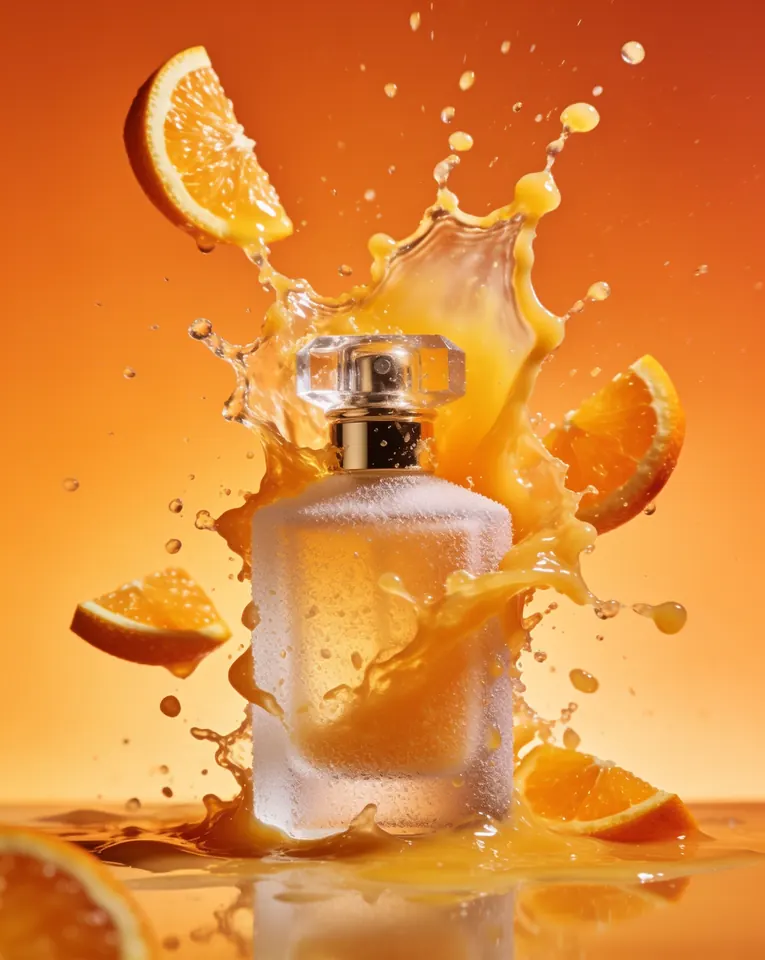
Citrus splash · Made with Seedream 4.5Prompt: Luxury product photography of a frosted glass perfume bottle exploding out of a splash of orange juice and citrus slices, frozen motion, bright orange gradient background, crisp studio lighting, no text, no logo
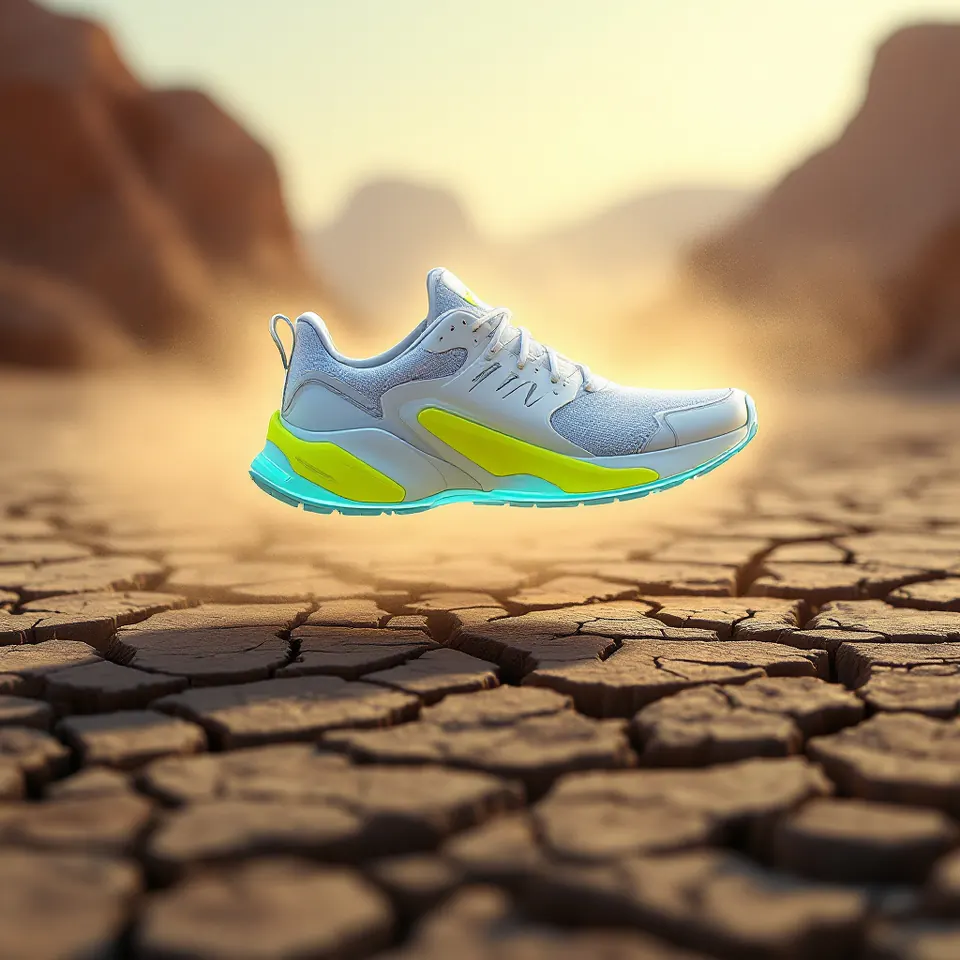
Levitating sneaker · Made with FLUX Pro 1.1Prompt: A futuristic white and electric-lime running sneaker levitating above a cracked desert floor, dramatic rim light, dust burst, commercial advertising photo, no logos, no text
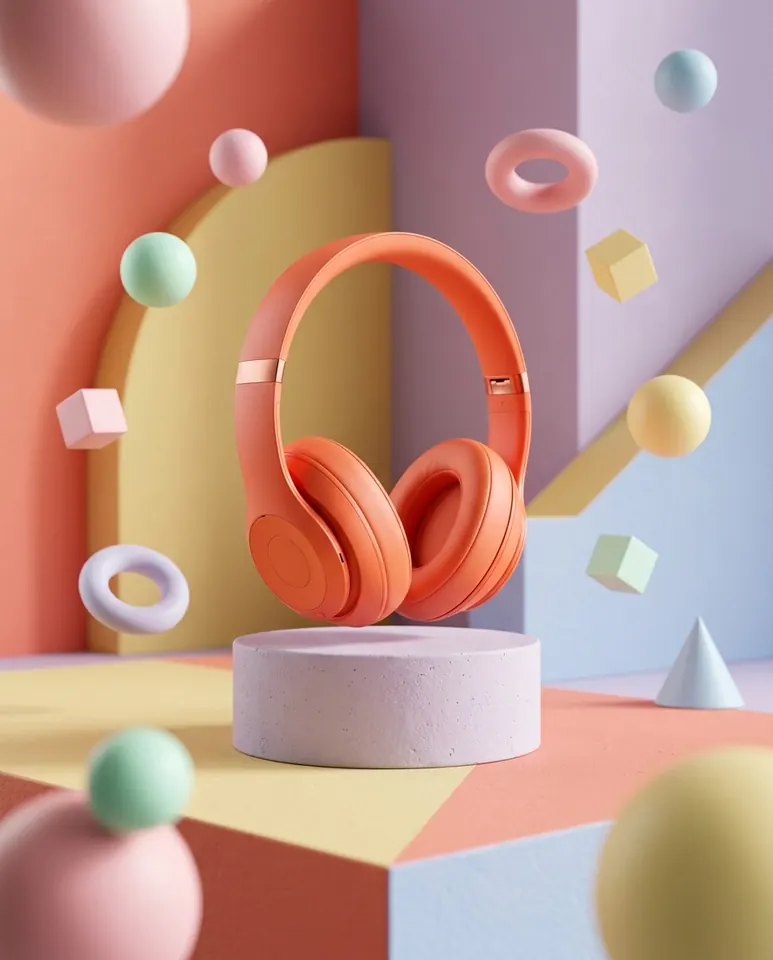
Color pop · Made with Nano Banana 2.1 (Google)Prompt: Product shot of sleek coral-colored wireless headphones on a pedestal surrounded by floating pastel geometric shapes, vibrant color-blocking set design, soft shadows, no text, no logo
Models for this tool
- Seedream 5.5 Edit · from 128 credits
Seedream 5.5 Edit reworks uploaded images from a text instruction, with up to 10 references.
- Bria Background Removal · 83 credits
Bria removes the background from an uploaded image and returns a transparent PNG.
Frequently asked questions
Which models does Product Shot use?
Bria background removal (83 credits) then Seedream 5.5 Edit on BytePlus, priced from the studio formula. The total is on the button.
Will the label stay readable?
The pipeline asks the model to keep the product, label, logo and shape. That is not a guarantee. Check every output, especially small type.
Does Amazon accept these images?
Amazon and other marketplaces have their own rules (white background, no badges, product fill). This tool helps you produce candidates; you remain responsible for compliance.
What if a shot fails?
Credits for failed shots are refunded. The cut-out is kept in Media if that step succeeded.